This post contains affiliate links. We may earn a commission if you purchase through them, at no extra cost to you.
Finding a good electric air duster for PC can save you money, since buying disposable cans of compressed air adds up. A can can run out quickly and get cold as it empties, and if you tilt it, liquid propellant can spray onto your motherboard.
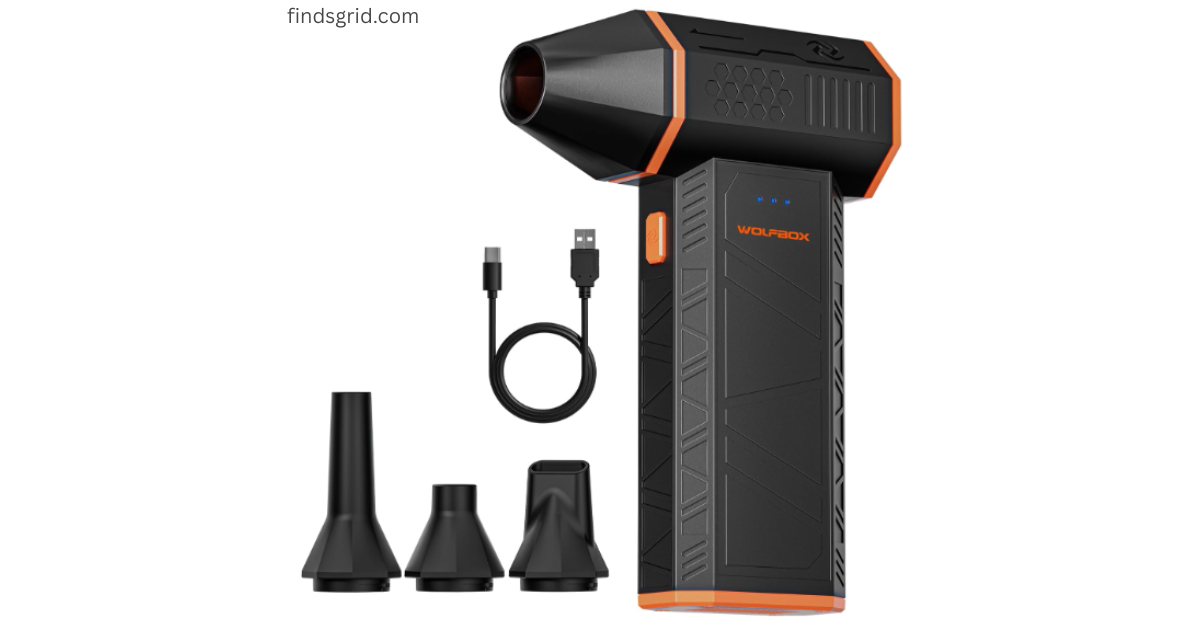
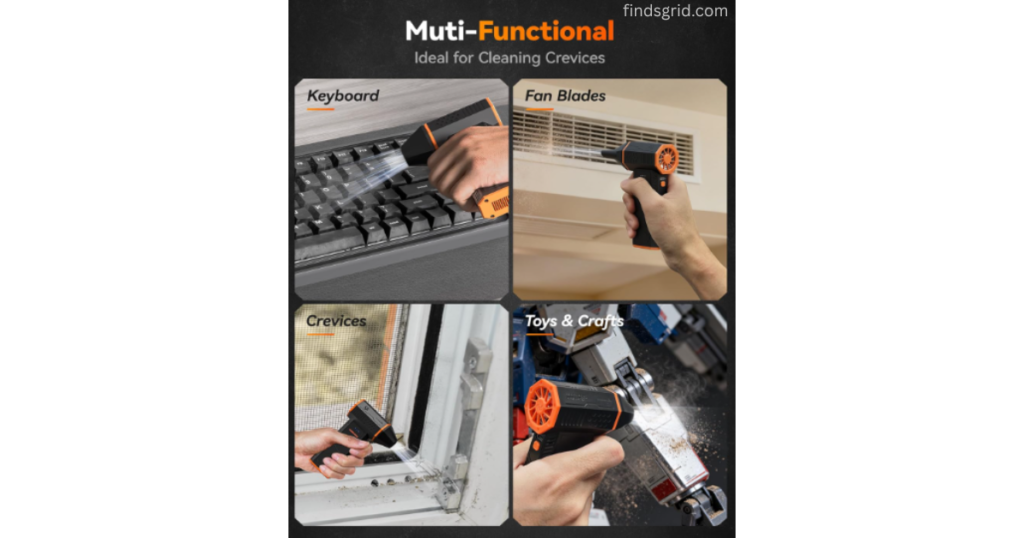
The WOLFBOX MegaFlow 50 is a small, rechargeable electric blower designed to replace canned air. This review looks at its specs, features, and limitations, based on the product listing and customer feedback, for cleaning a gaming PC, mechanical keyboard, and car vents.
If you’re comparing electric air dusters for PC cleaning, here’s what to know about this one.
Quick Specifications: The Core Power At A Glance
Here’s what the listing says about the MegaFlow 50.
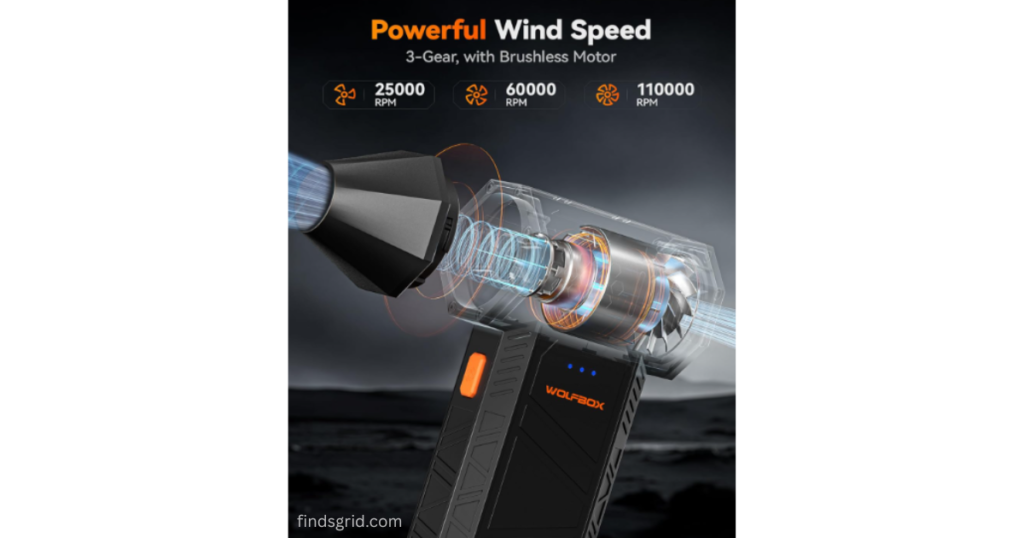
Motor Speed: 110,000 RPM
1st Gear: 25,000 RPM (Runtimes: >4 Hours)
2nd Gear: 60,000 RPM (Runtimes: >36 Mins)
3rd Gear: 110,000 RPM (Runtimes: >19 Mins)
Speed Settings: 3 adjustable gears for different tasks
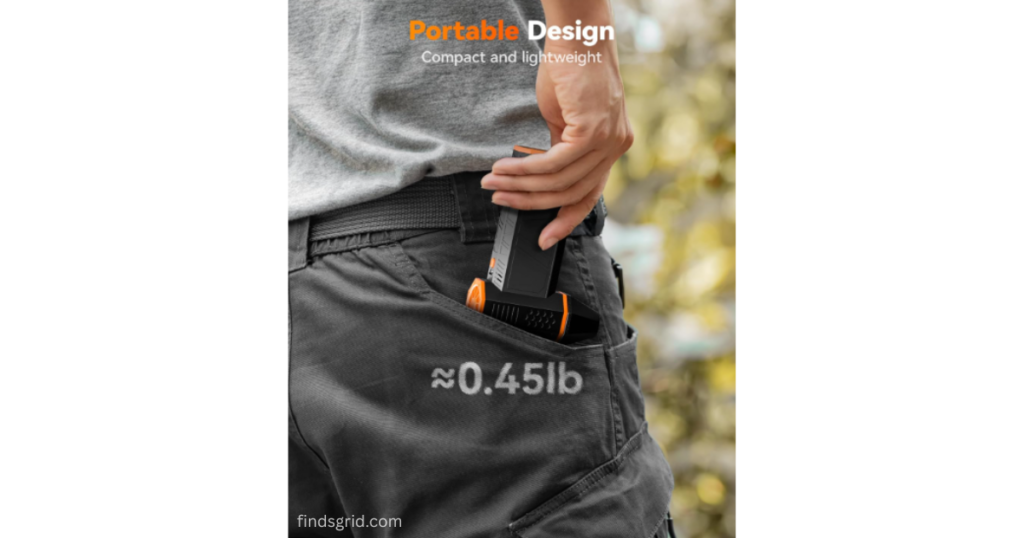
Weight: 7.2 ounces
Dimensions: 3.38″W x 1.45″H
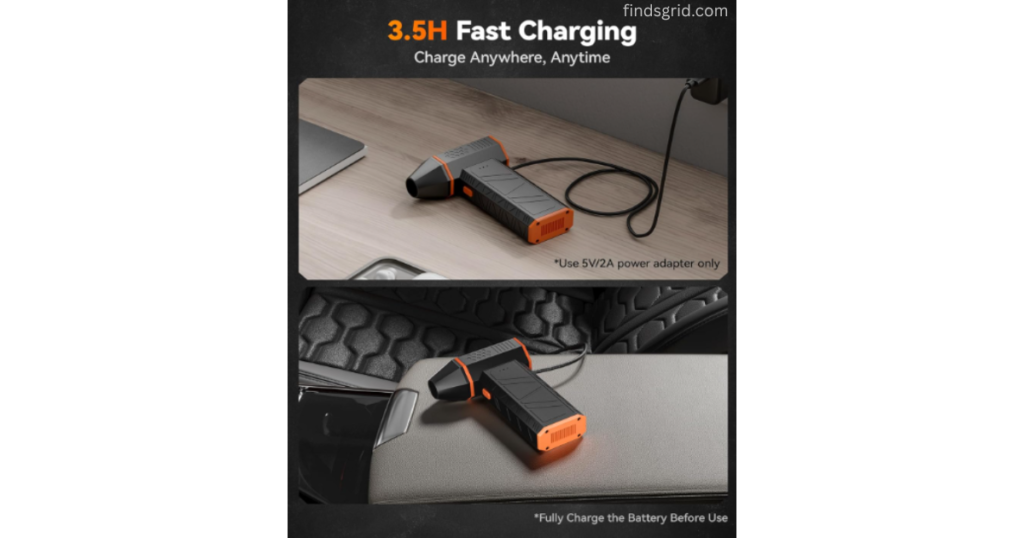
Charging: USB-C fast charging, about 3.5 hours for a full juice-up
Battery Life: Up to 240 minutes on the lowest setting
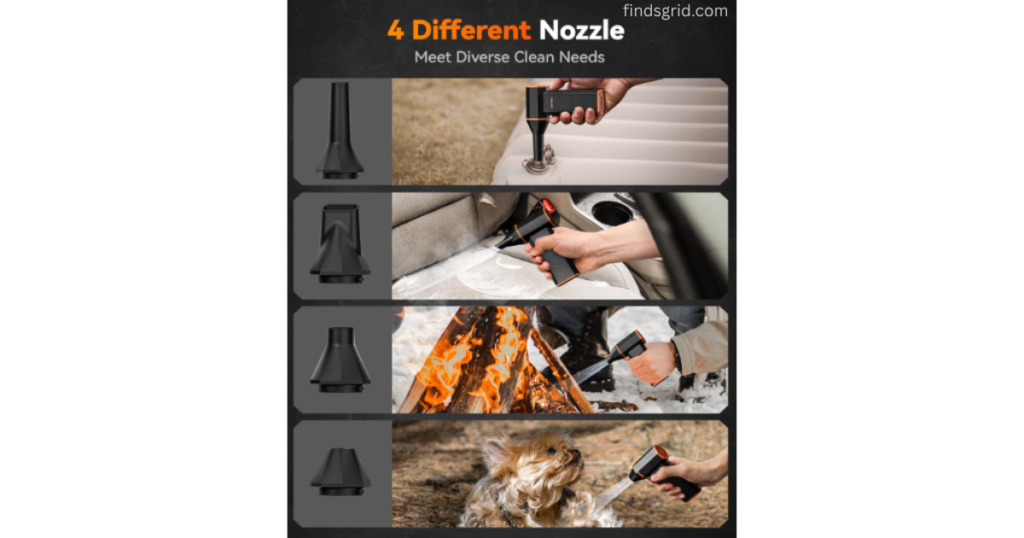
What’s in the Box: 4 nozzles (including a precision tip) and a USB-C cable
- Battery Capacity: 5000mAh
110,000 RPM Motor and Three Speeds
So, what does that 110,000 RPM number mean in practice? It’s the maximum motor speed on the third gear.
The lowest gear is the one to use on a mechanical keyboard. You don’t want a hurricane blasting between keycaps, and a gentle setting is more likely to sweep out crumbs and dust without sending keycaps flying. It’s also the setting to use around delicate laptop hinges or cooling fans.
The third gear is for heavier dust, such as dust packed on GPU or heatsink fins in a PC case. The listing claims a maximum wind speed of 72.4 m/s. At that power it can move lightweight objects on your desk, so clear the area first and don’t aim it at anything fragile.
The three-speed system is simple, with no app and no extras: point the nozzle, pull the trigger, and the dust moves.
Portability & Battery: Built for On-the-Go Cleaning
Portability is a plus. At just over seven ounces, it’s easy to keep in a desk drawer or a car’s glove box for quick detailing.
USB-C charging means you can top it up with a cable you may already own, so you’re not hunting for a proprietary charger. On a full charge, runtimes depend on the gear: the listing says over 4 hours on gear one, over 36 minutes on gear two, and over 19 minutes on gear three. Don’t expect to run it on the highest setting all day.
Pros and Cons
No product is perfect. Here are the trade-offs.
What’s good:
Power: The 110,000 RPM max speed is designed for heavy dust on PCs and car interiors.
Cordless: No wall plug is required while you use it, thanks to the built-in battery and USB-C charging.
Nozzle Attachments: The listing says it includes four nozzles, including a precision tip, with a twist-lock mechanism. Check customer reviews on build quality.
The trade-offs (because nothing’s perfect):
Noise Level: On the highest setting, expect it to be loud. Avoid using it at full power while someone’s on a call in the same room, and consider ear protection for long sessions.
Max Speed Battery Drain: On the 110,000 RPM setting, the battery drains faster, with the listing saying over 19 minutes of use. Plan for that on larger cleaning projects.
Final Verdict
If you’re still buying canned air, an electric duster is worth considering. The WOLFBOX MegaFlow 50 is a cordless option for PC users who want to avoid liquid propellant. It’s designed to be powerful enough for deep cleans, with a low setting for more delicate parts. As with any blower, use the lower gears around delicate components.
It can also save money over time compared to buying cans of compressed air. According to the listing, you get multiple nozzles, USB-C charging, and enough power to keep your PC, car, and outdoor gear dust-free. Check the current price on the listing.
If you’re ready to ditch the disposable cans, check the current price on Amazon. Coupons and prices change, so check the listing.
Safety note: Power down and unplug your PC before cleaning it, and hold fan blades still while you blow around them, since a fan spun too fast by an air stream can damage its bearings. Wear a dust mask and eye protection, touch a grounded metal part of the case to discharge static, and keep fingers, hair, and loose clothing away from the nozzle. Don’t use it near open flames or to blow out flammable dust, and don’t open the power supply unit.
💡Upgrading Your Desk Setup?
Upgrading Your Desk Setup? Once your PC is dust-free, you might want to improve your workspace ambiance too. See our guide to the Senmul Flame Air Diffuser variants.