This post contains affiliate links. We may earn a commission if you purchase through them, at no extra cost to you.
We’ve all been there spending 20 minutes digging through a messy kitchen drawer for a specific cable or playing ‘guess the spice’ with unlabelled pantry jars. It’s frustrating. A good label maker fixes that, but finding a wireless thermal label maker that’s simple to use and budget-friendly isn’t easy. I recently picked up the Nelko P21 label maker to see if this pocket-sized, inkless Bluetooth printer could actually solve everyday home clutter. Here is my honest review.
Key Features & Why It Stands Out
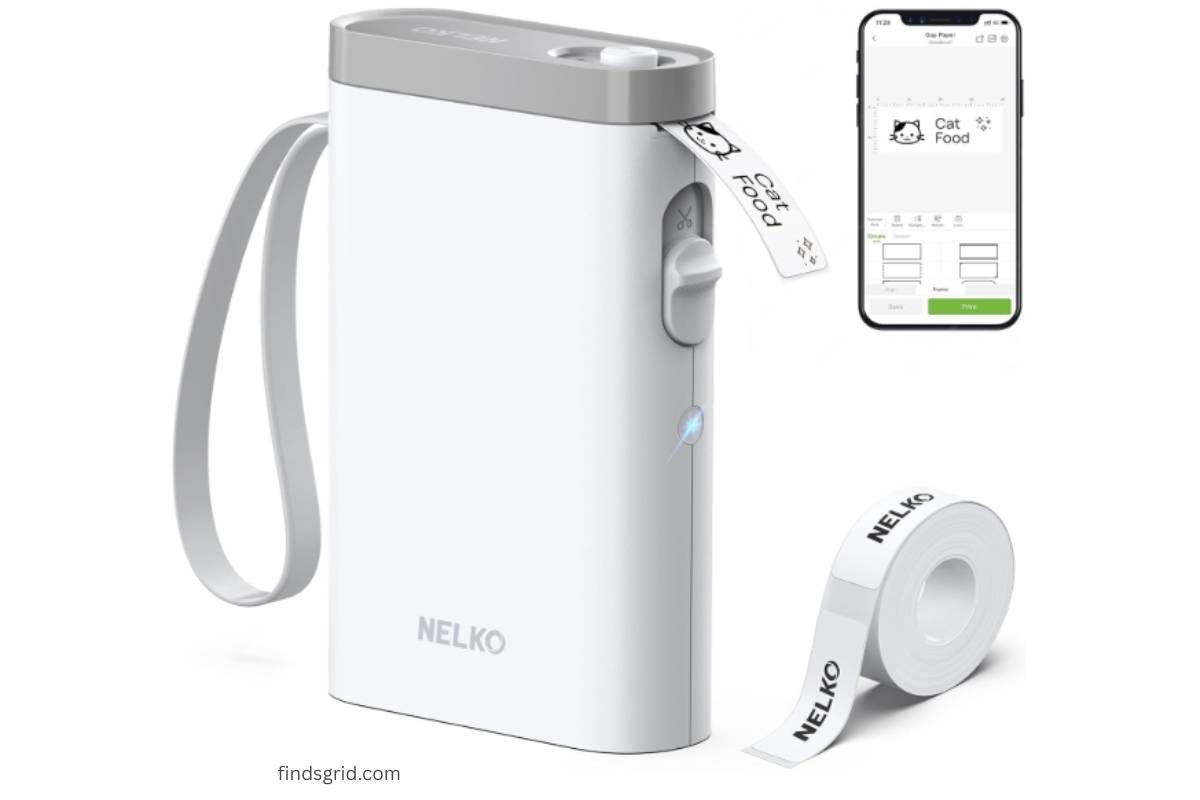
The magic of this portable mini label printer starts with its size. It’s half the weight and half the size of those clunky old label makers you might remember from your parents’ office. We’re talking small enough to slip into your pocket or a pencil case, making it a true companion for the “print anytime, anywhere” promise.
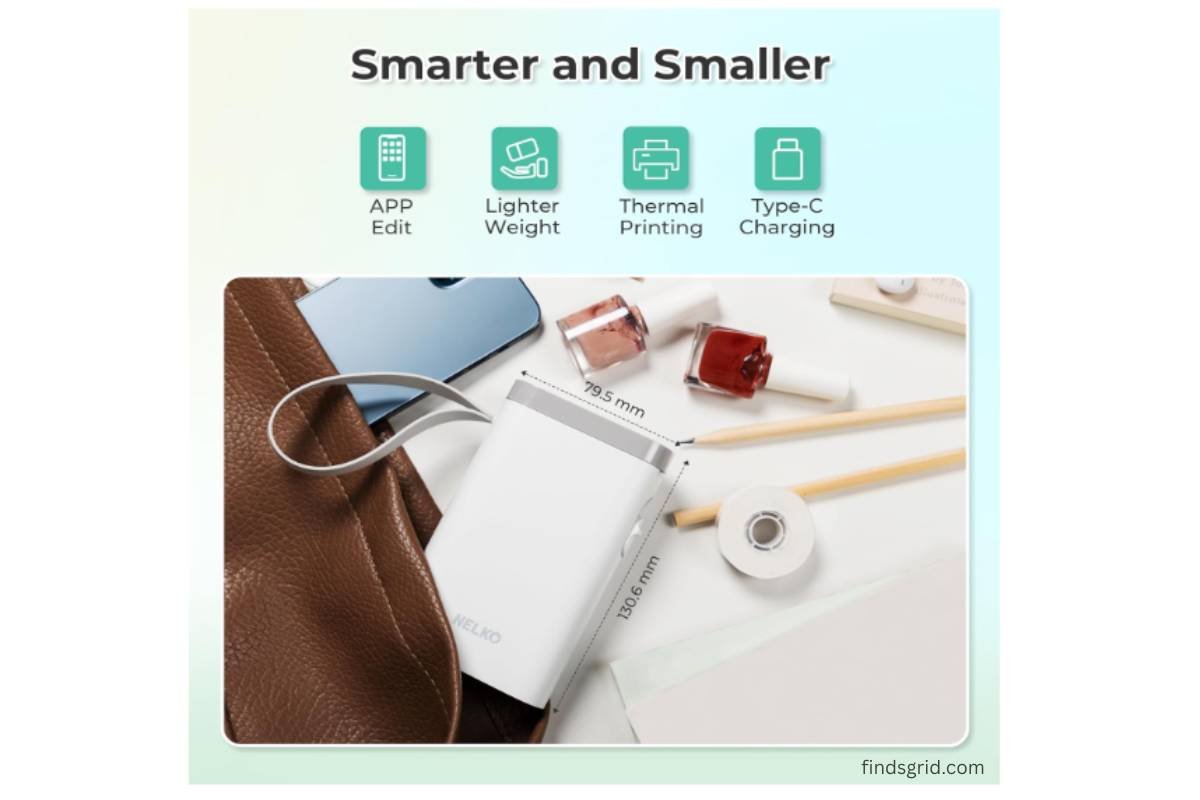
But don’t let the size fool you. Here’s the breakdown of what’s under the hood:
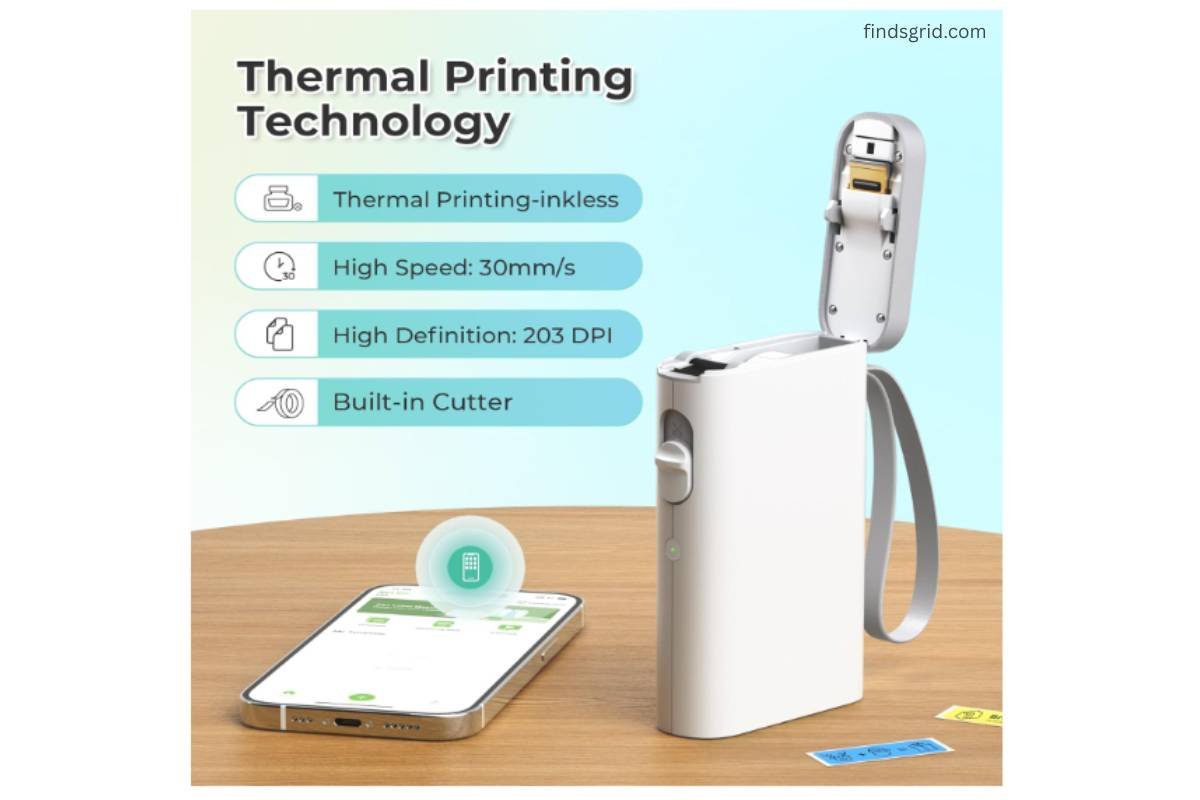
Inkless Thermal Printing: Say goodbye to buying ink cartridges. The P21 uses BPA-Free Direct Thermal Technology. The print head heats up to create high-definition impressions directly on the paper. It is 203 DPI, which is sharp enough for barcodes and small text.
Built-in Cutter: This is a total win. No need to fumble for scissors; the built-in manual cutter lets you cut the label cleanly the moment it prints.
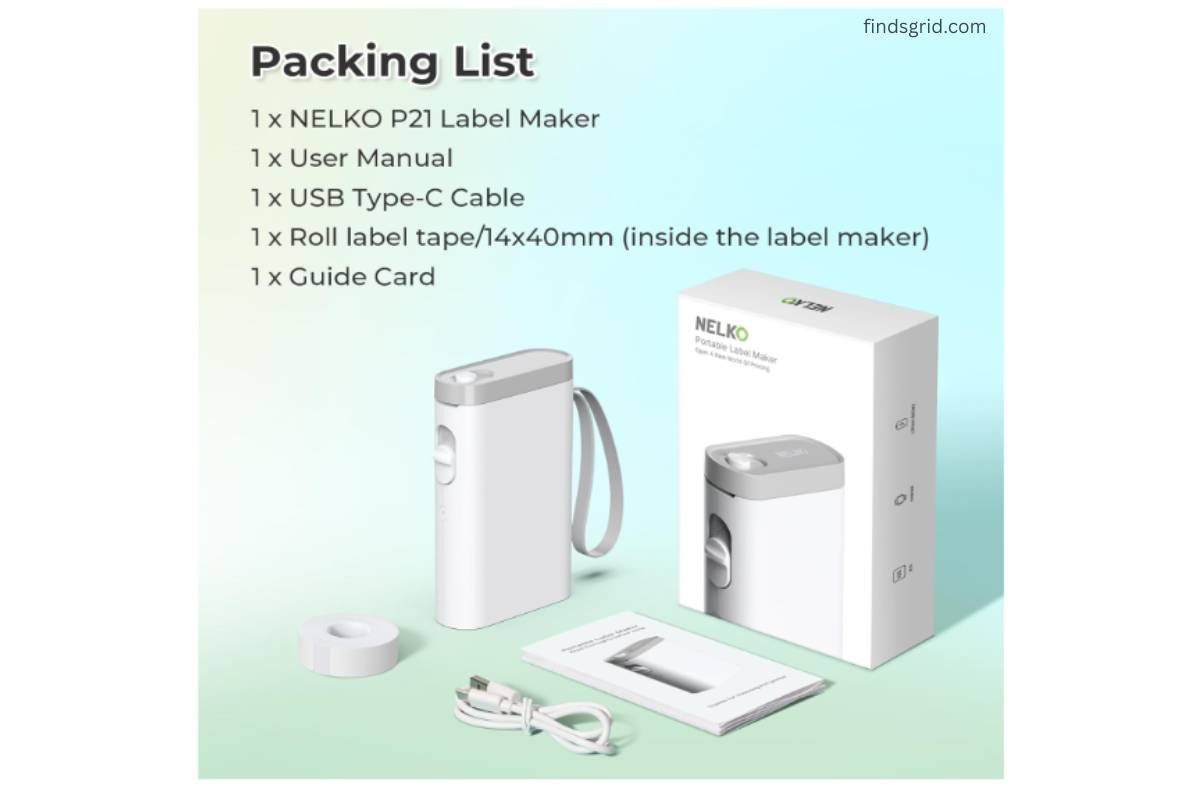
Rechargeable Battery: It comes with a long-lasting built-in battery. Now, fair warning: you’ll need to supply your own USB power adapter (the charging cable is not in the box), but being able to wirelessly print without being tethered to an outlet is a huge plus.
The Nelko App Experience: Templates & Customization
This is the brain of the operation. The P21 isn’t just a printer; it’s a creative tool, but only through the “Nelko” App.
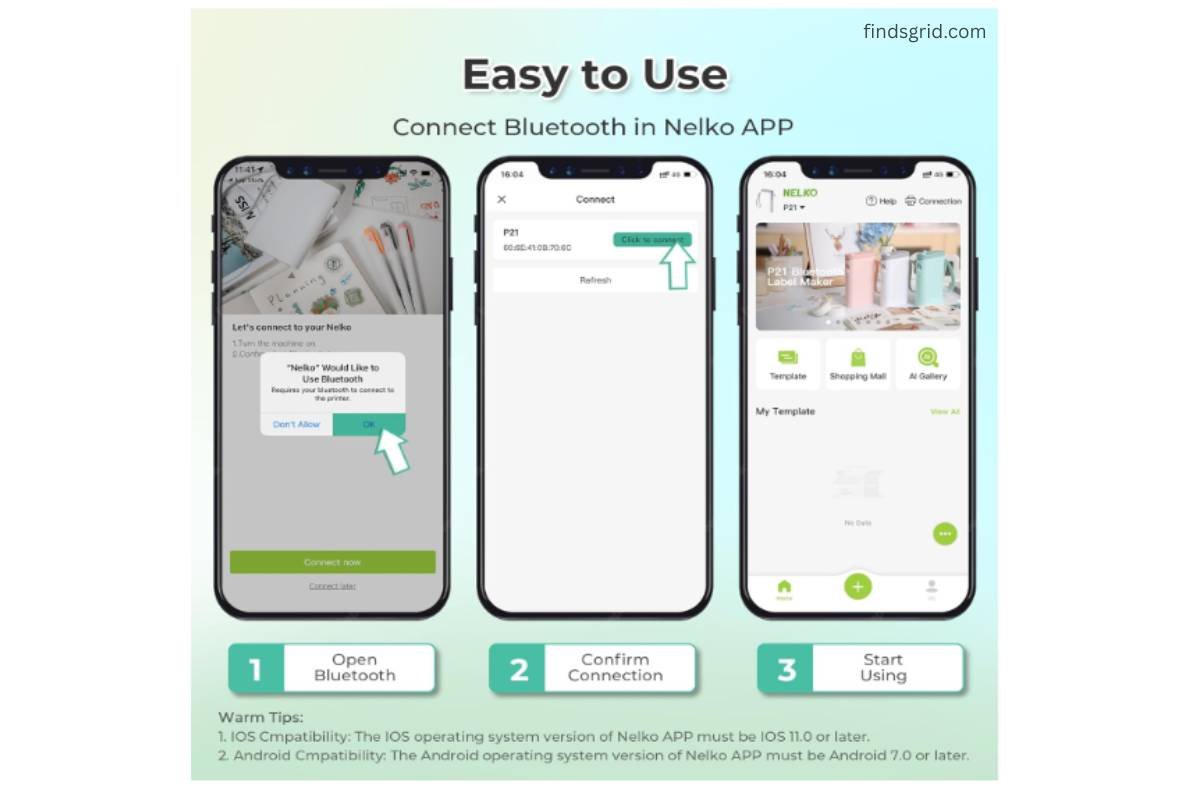
Setting up the label maker machine with tape is surprisingly straightforward:
Download the “Nelko” app.
Install the paper roll.
Connect via Bluetooth from within the app.
Pick a template and print.
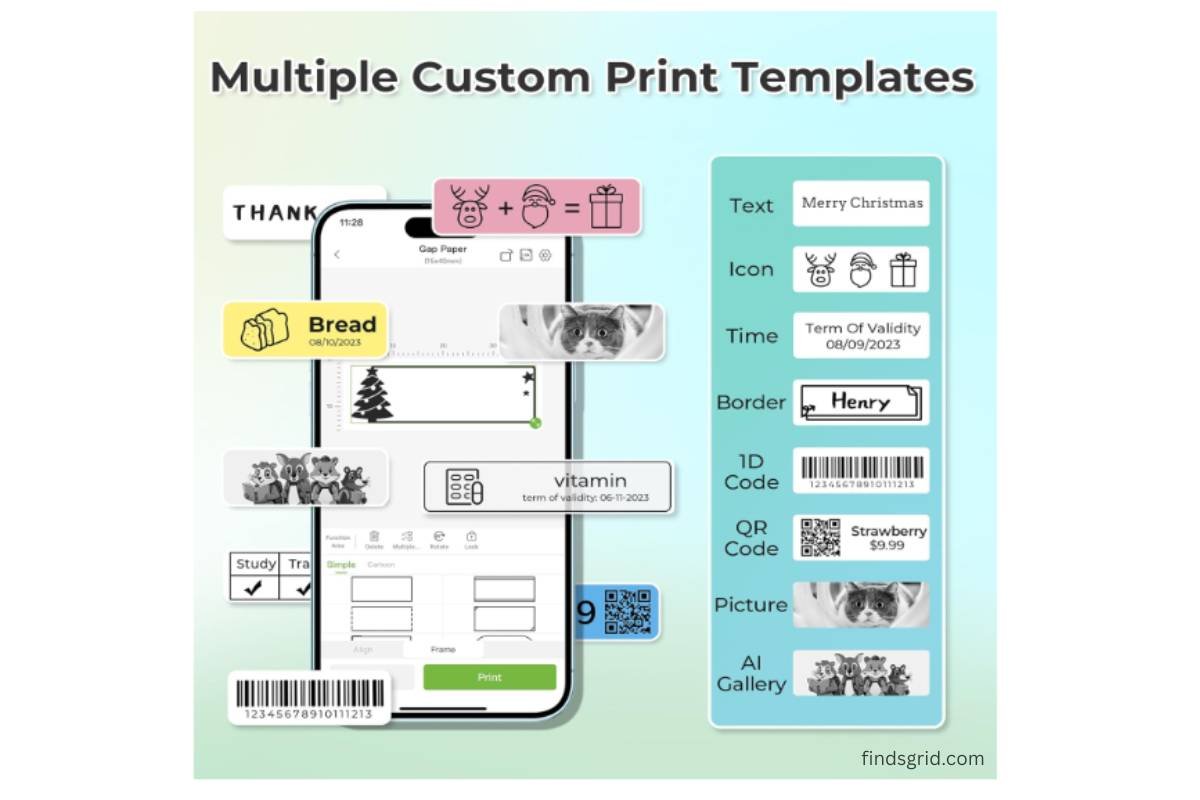
Once you are in the app, things get interesting. You get access to a massive library: over 3,600 icons, 700+ borders, 5,500+ materials, and 750+ templates. Whether you are creating QR codes, barcodes, or fun labels for your kid’s lunchbox, the “Design Your Own Labels” feature is robust.
A quick technical caveat: This is strictly a smartphone device. It does not work with computers, and importantly for some, it is not compatible with Google phones running Android 14. If you have an iPhone or a different Android version, you should be golden.
Real-World Uses: From Kitchen Pantry to Classroom Bins
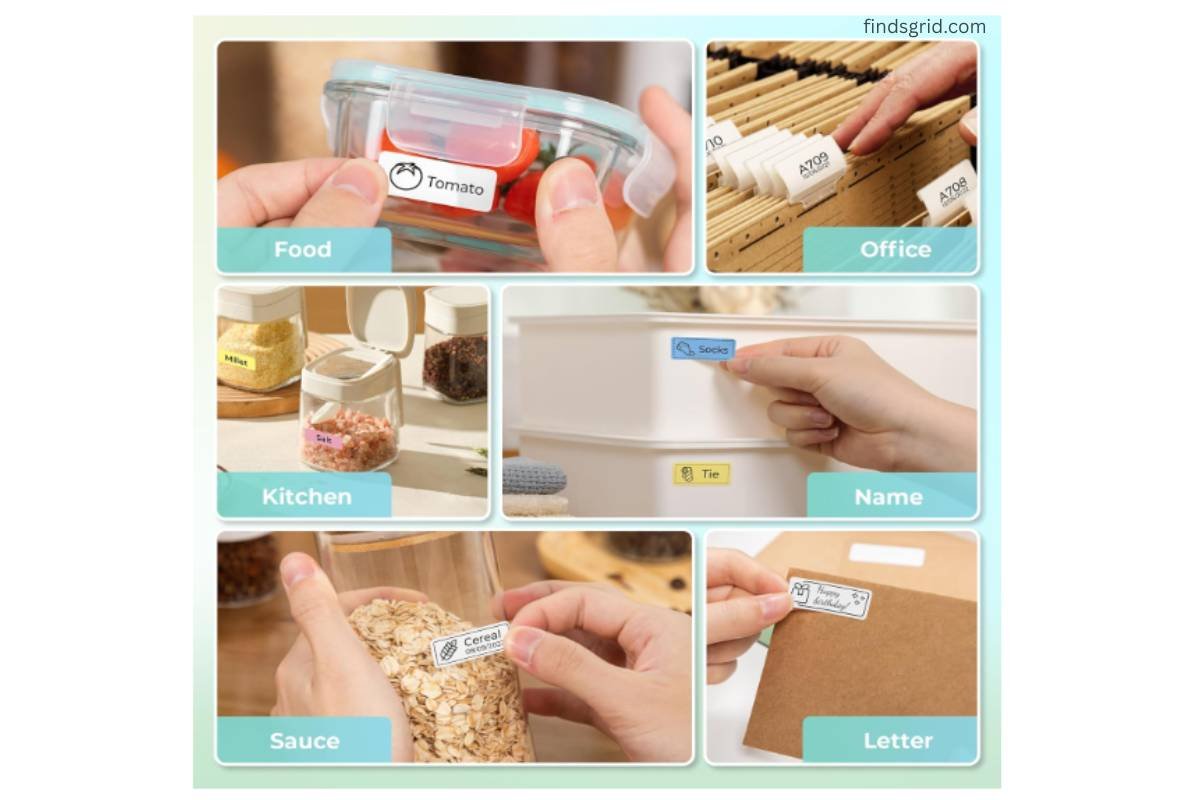
This is where the Nelko P21 Label Maker really shines as a best label maker for teachers and home organizers. It’s a practical tool for daily chaos.
Home: I love using it to organize the pantry, food storage containers, cosmetics, and clothes. It’s also perfect for mailings.
Office: Think notebook tags, price tags, and those “reminder” labels we slap on our monitors.
Classroom: This is a classroom must have. Teachers can use it to sort books, bins, and student folders. For students, it’s a fun way to mark school supplies like pencil cases and notebooks.
Just remember, the label lengths are fixed (like 14×40mm or 14×75mm). It doesn’t support continuous label tape, so you won’t be printing long, continuous strips.
- 💡Related Read: Looking for more handy gadgets? Check out our Glocusent Neck Reading Light Review to see if it’s worth the hype for night readers!
Important Things to Know Before Buying (Pros & Specific Limitations)
Being transparent is key, so let’s get real about the limitations. The product data is strict about a few things:
Monochrome Printing: It prints in black only. If you want color, you have to buy color pattern label tapes; the machine itself doesn’t do color printing.
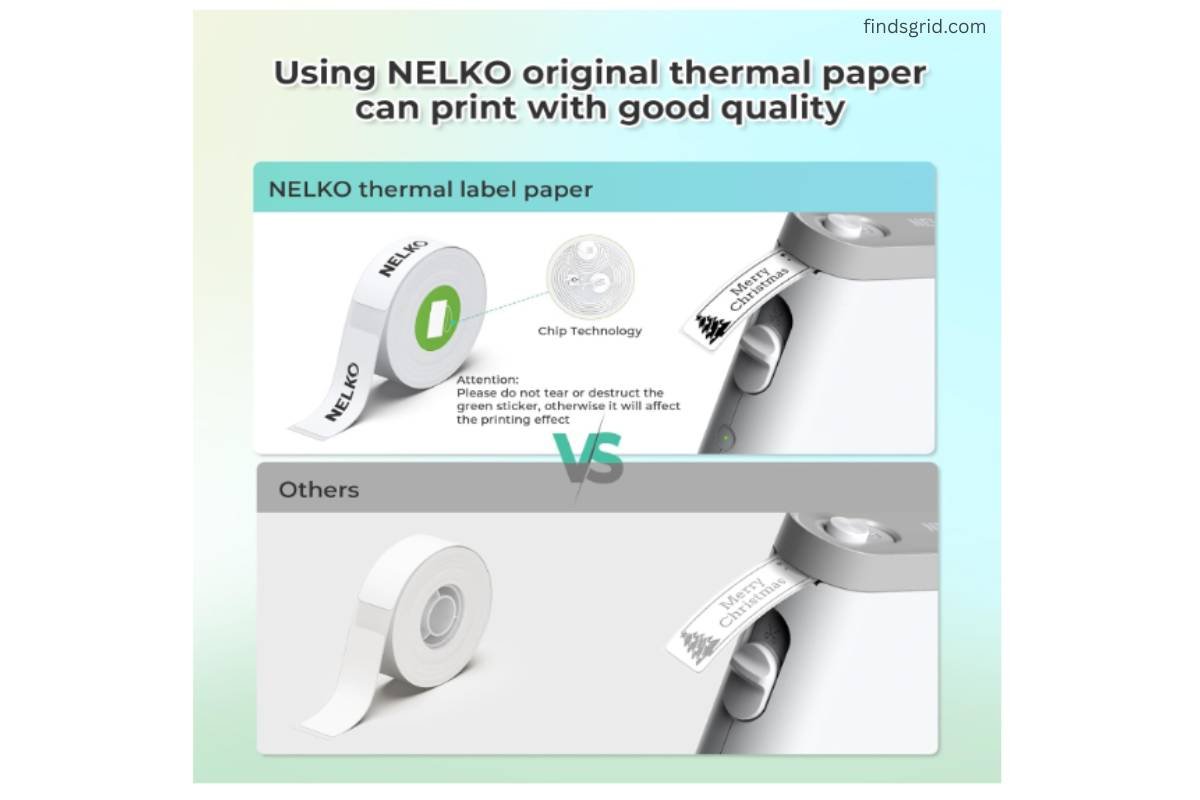
Label Sizes: You are locked into fixed-size labels. Also, do not tear or damage the green sticker on the back of the label strip. This is a sensor marker.
No PC or Android 14: As mentioned earlier, you cannot print from a PC, and it won’t work with Android 14 phones. It doesn’t support Google phones running Android 14.
No Continuous Labels: It uses die-cut labels only. The thermal printing is usually very clear, but if you use non-Nelko paper, print quality can vary.
Where to Buy the Nelko P21 Label Maker
For US shoppers, the best bet is usually Amazon. The product has a high rating and is a #1 Best Seller in Desktop Label Printers. You’ll want to check the current availability and color options via the product link.
👉 Check Latest Price on Amazon
Frequently Asked Questions (FAQs)
No. It uses BPA-Free Direct Thermal Technology, meaning it prints with heat and special thermal paper. You never need to buy ink or toner.
No. The P21 connects via Bluetooth only to iOS and Android smartphones. It does not work with computers.
It prints in monochrome (black text and designs only). You can create color labels by using colored pattern label tapes.
Step 1: Download the “Nelko” app. Step 2: Install the paper roll. Step 3: Turn on the printer and connect via Bluetooth in the app. Step 4: Choose a template and print.