This post contains affiliate links. We may earn a commission if you purchase through them, at no extra cost to you.
You know that feeling when you’re trying to work, but there’s that one crumb staring at you from between your keyboard keys? In this ODISTAR Desktop Vacuum Review, we look at a mini vac designed to tackle that layer of fine dust that settles on your monitor stand.
Most people either ignore it, blow on it (which just moves the mess somewhere else), or grab a damp cloth and make everything worse.
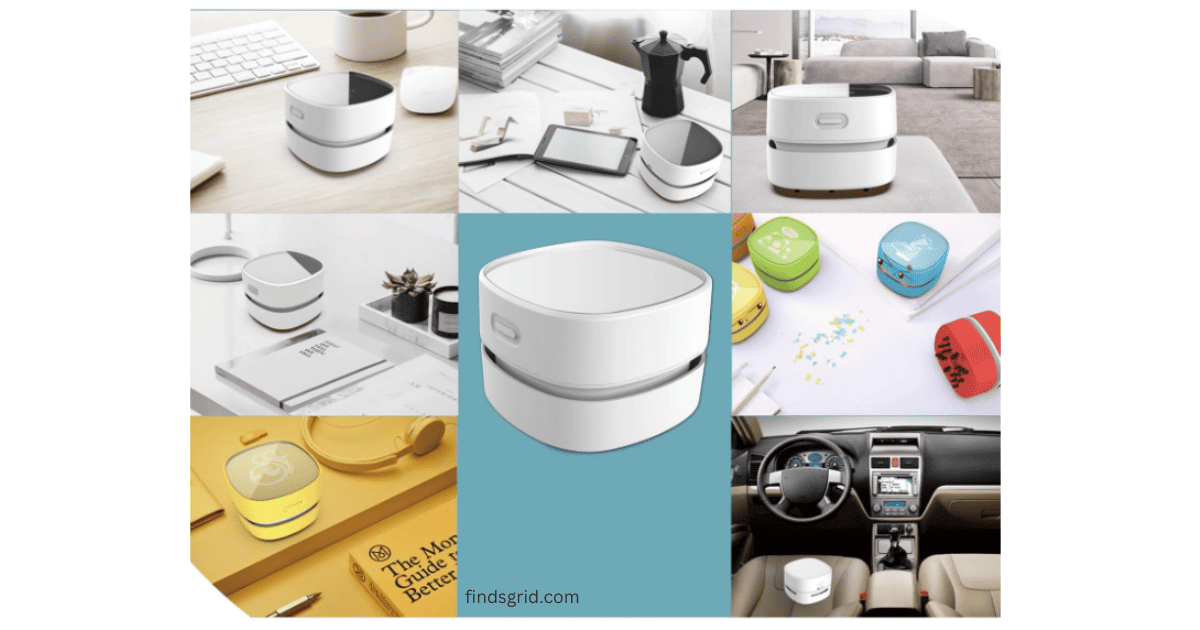
Enter the ODISTAR Desktop Vacuum Cleaner.
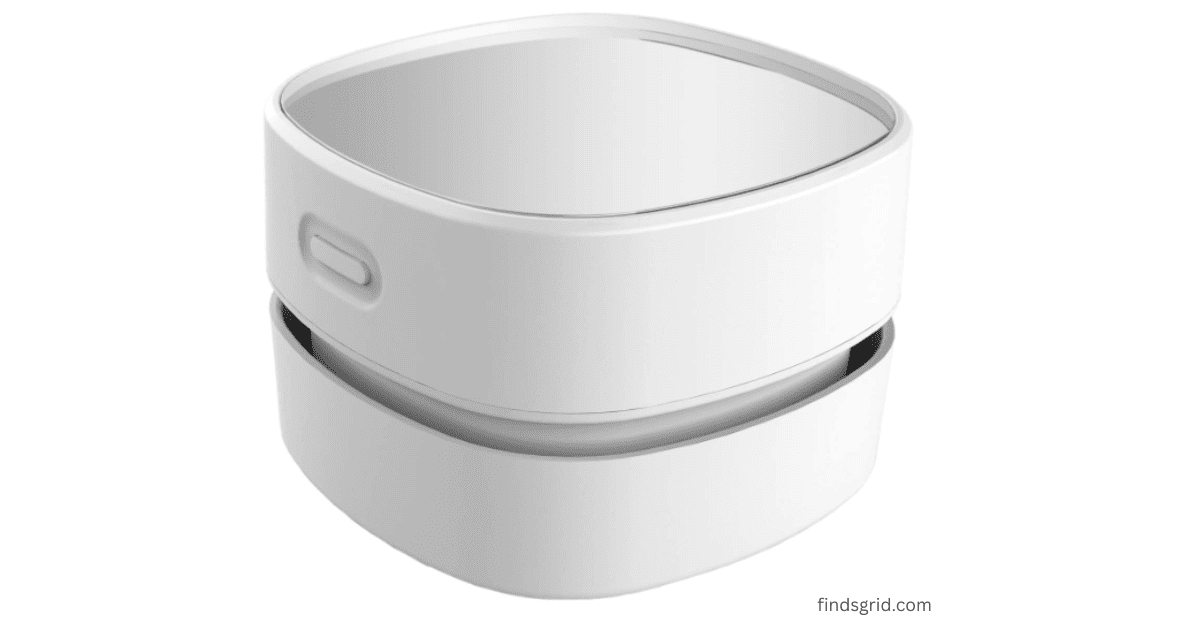
It’s small, cordless, and runs on AA batteries. It’s a popular pick on Amazon with a large number of reviews, so here’s what the listing says and what to keep in mind.
Key Features
Here’s what the listing says.
Cordless, With Up to 90 Minutes of Run Time
Battery life is the first thing to check on a cordless gadget.
According to the listing, with two AA batteries (you’ll need to buy your own), it runs for up to 90 minutes. Real runtime depends on the batteries and how you use it.
Being cordless means no hunting for wall outlets. No tripping over wires. No wrestling with a plug that’s too far from your desk. You just pick it up and go whether that’s your home office, your kid’s study table, or even your car’s center console.
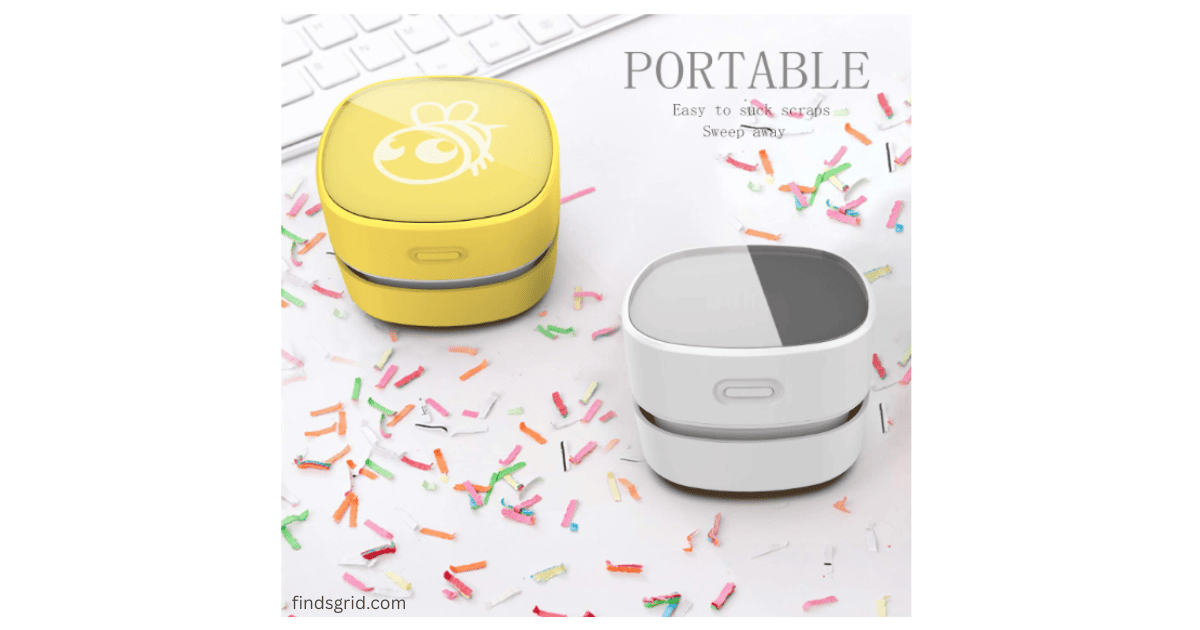
The 360° Rotating Head
The listing highlights a 360° rotating head.
The head is designed to twist and pivot, so you’re not stuck holding the vacuum at awkward angles to reach a corner.
That can help with cleaning between stacked notebooks, the gap behind a monitor, or around a keyboard.
Suction and Noise
The listing says it picks up eraser shavings, coffee grounds, paper scraps, and pet hair, and the capture nozzle is designed to grab larger bits so you’re not just pushing debris around. A battery-powered mini vac is for light debris, so check customer reviews on how it handles heavier messes.
It’s described as quiet, which could make it handy during calls or while others are sleeping. Check recent customer reviews on how loud it is in practice.
Where Does This Mini Table Cleaner Shine?
It’s not for everyone, but it suits a few groups.
For Keyboard Nerds & Desk Workers
A vacuum pulls loose debris out of a keyboard instead of blowing it elsewhere, while compressed air and electric dusters have their own uses for fine dust and tight spots. The nozzle is designed to fit between keys. Turn off and unplug a keyboard before cleaning it, and don’t pull on keycaps.
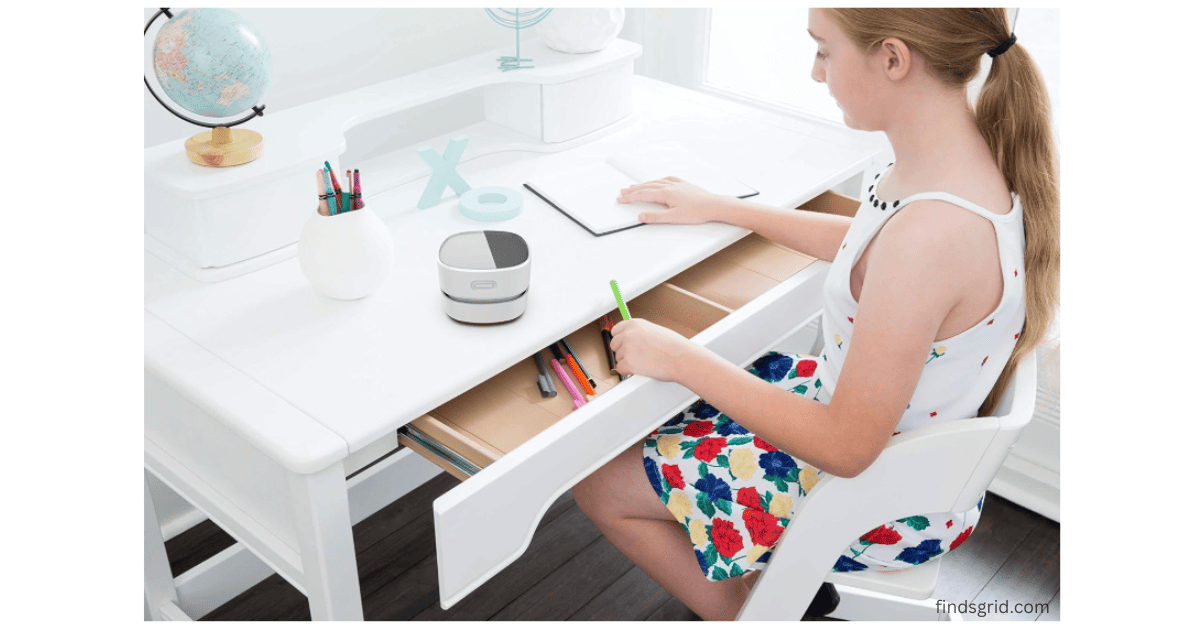
For Students
Eraser crumbs, pencil shavings, that weird powder that comes off cheap highlighters are easy to clear up. It’s lightweight and simple to use, and it’s described as quiet.
For Pet Owners
Fur gets everywhere. This won’t replace your big vacuum, but it can help with quick desk cleanups or hair on car seats, without lugging out the heavy-duty machine for a five-second job.
For the Elderly or Anyone with Limited Mobility
Because it’s light and doesn’t require bending or stretching as much as a dustpan or handheld broom, it may be easier to use for people with limited mobility or arthritis. Check the weight and grip details on the listing.
The Good and The Not-So-Good
No product is perfect. Here are the trade-offs.
What’s Good
Battery life: Up to 90 minutes, according to the listing.
A rotatable head helps reach corners.
Described as quiet.
Simple to use: insert batteries, press the button, clean.
Acrylic body with a sleek look.

What Could Be Better
AA batteries not included. Minor annoyance, but worth mentioning. Get rechargeables if you hate buying disposables.
No storage stand or wall mount. You’ll need to find a drawer or shelf spot.
It’s a targeted tool, not a replacement for your main vacuum. It’s for small messes, not your entire house.
🛒 Where to Buy the ODISTAR Desktop Vacuum Cleaner
You can find the ODISTAR Desktop Vacuum Cleaner on Amazon. Check the current price, ratings, shipping, and return details on the listing.
Quick Questions People Actually Ask
Yeah. Two AA batteries, not included. Honestly, I’d recommend grabbing a set of rechargeables, saves money and hassle in the long run. Surprisingly yes. You can run it while reading, watching TV, or even while someone’s asleep nearby. It’s not dead silent, but it’s definitely not annoying. Absolutely. The nozzle is designed to grab larger bits, so fur, paper scraps, eraser bits, ash—all of it gets sucked up without fuss. Just don’t expect it to replace your upright vacuum for deep carpet cleaning.
So, Is It Worth It?
This isn’t a life-changing gadget.
But if you’re someone who spends hours at a desk, hates clutter, and gets irrationally annoyed by crumbs between your keys? Yeah, this thing’s a win.
The ODISTAR Desktop Vacuum Cleaner isn’t trying to be fancy; it’s designed to make little daily messes disappear.
If you’re tired of crumbs between your keys and a dusty monitor stand, it’s worth considering. Just remember to grab AA batteries.
- Quick Setup Tip: The ODISTAR is meant for light debris and crumbs on your desktop. Dust inside a mechanical keyboard or PC tower may need an air duster. See our review of the best electric air duster for PC.
Safety note: Use the battery type the manufacturer recommends and don’t mix old and new batteries. Keep it away from water, wet messes, and small children, since small parts and batteries can be a choking hazard. Switch it off before you put it down, and don’t use it to vacuum hot ashes or anything flammable.